Best Free Brushes and Stylus Tips for Your Tablet Travel Journal
You’ve embraced the freedom of digital journaling, but you miss the spontaneity of sketching. You might think digital art requires expensive software and complex drawing tablets, but your Tablet-Ready Interactive Journal and a simple stylus are all you need to add beautiful, low-pressure sketches to your memories.
Digital doodling is fast, reversible (hello, undo button!), and allows you to add vibrant color and visual context without the weight of a physical paint kit.
We know that digital journal users are searching for free sketching brushes for GoodNotes, tablet doodling hacks, and how to draw in a digital journal. Here is your guide to the best free tools and tips for unleashing your inner artist on your tablet.
Learn more about our Quick-Fill Travel Journals for ANY Destination. Options for All Ages available.

1. 🖌️ Mastering the Free Brushes (The Big Three)
You don’t need to purchase massive brush packs. Your standard note-taking apps (GoodNotes, Notability, etc.) already come equipped with three essential tools for travel sketching.
A. The Pen Tool (For Outlines and Finelining)
- The Hack: Use the thinnest setting of the basic Pen Tool (usually 0.3 or less). This is your digital fineliner.
- Why it Works: It’s perfect for creating clean, crisp outlines for buildings, animals, or basic map sketches. It mimics the look of a technical drawing pen.
B. The Highlighter (For Watercolor Effects)
- The Hack: Use the Highlighter Tool with a low opacity setting.
- Why it Works: Highlighters in digital apps often have a slightly translucent quality. By layering different colors, you can achieve a soft, vibrant effect that looks strikingly similar to loose watercolor washes—perfect for quickly adding color to a sky, a flower, or a large background area.
C. The Shape Tool (For Quick Cleanup)
- The Hack: Use the Shape Tool to draw messy shapes (circles, squares, lines). Hold the stylus down, and the app will instantly snap the shape into a perfect geometric form.
- Why it Works: This is invaluable for framing entries, drawing clean border lines, or creating perfect circles for tracking the sun/moon in your Daily Log.
Check out our Quick-Fill Travel Journals on Etsy:


Quick-FIll Travel Journal for ANY Destination
The travel journal for explorers who want to remember everything, but would rather be living the adventure than staring at a blank page.

2. 📝 Stylus and App Tips: Making Doodling Low-Effort
Digital drawing should be fun and loose, not frustrating. Leverage the unique capabilities of your tablet setup.
A. The “Trace and Color” Shortcut
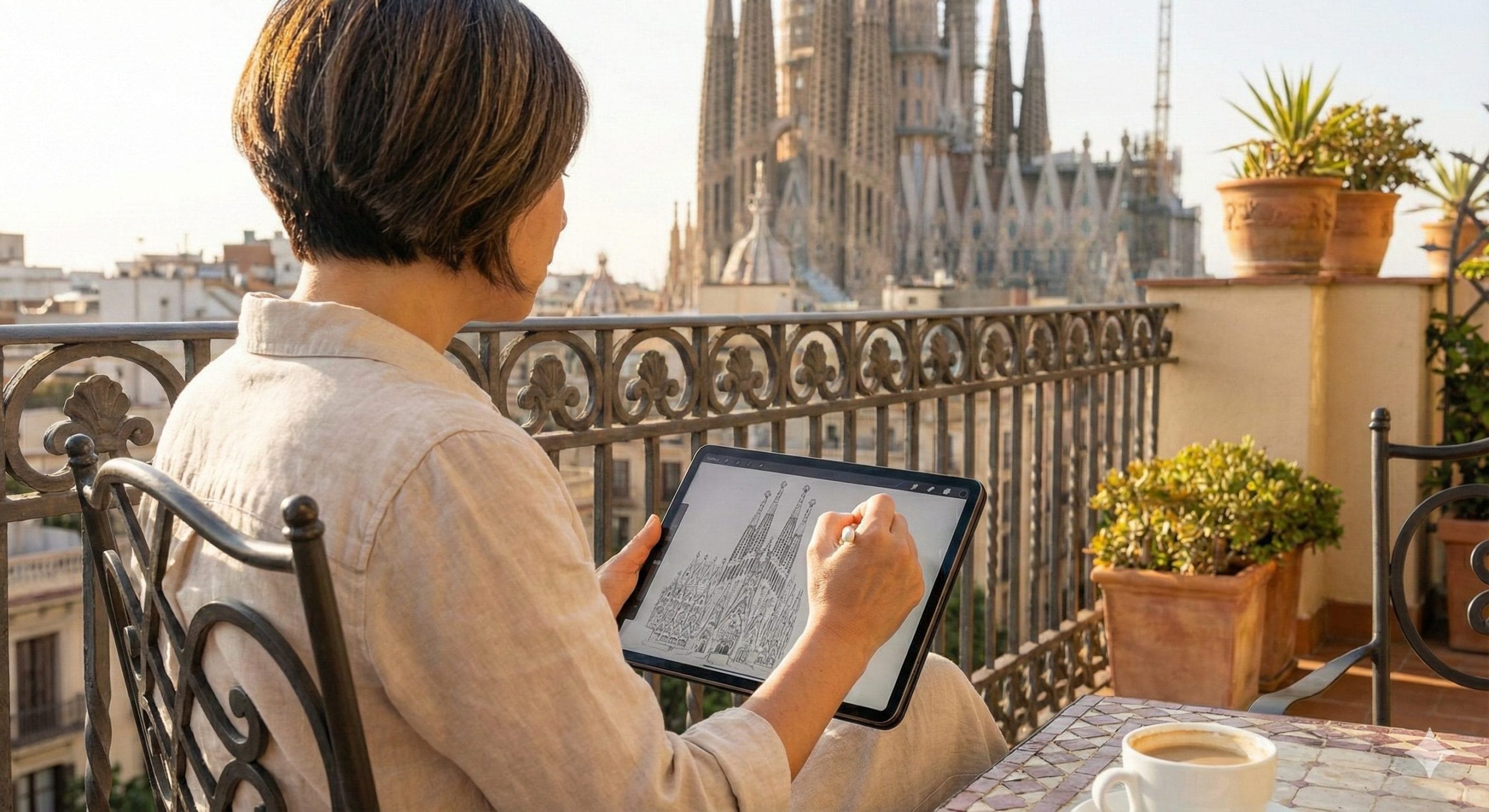
- The Hack: If you have trouble sketching complex objects, open one of your travel photos on the screen next to your journal app (using split-screen). Use the basic pen tool to trace the essential outline of the subject (a building, a mountain) directly onto your journal page.
- Why it Works: This bypasses the need for difficult perspective drawing, allowing you to quickly capture the form. You then use the Highlighter or Fill tool to quickly add color.
B. Layers (The Digital Undo Button)
- The Hack: In advanced note-taking apps, learn to use layers. Draw your messy outline on Layer 1 (the base). Do your coloring on Layer 2.
- Why it Works: If you mess up the coloring, you can erase Layer 2 without destroying your base outline on Layer 1. If you mess up the outline, you can erase Layer 1 without ruining your coloring.
C. Use Digital Grids
- The Hack: Set your digital paper template to a Dot Grid (like those included in our Interactive Journals).
- Why it Works: The dots provide subtle guidance for maintaining scale and proportion, making it much easier to size your sketches appropriately on the page without cluttering your view like heavy lines would.


3. 🖼️ Journal Integration: Sketching with Purpose
Your doodles should serve your narrative, providing visual context that words can’t capture.
- Sketch the Vignette: Instead of trying to sketch the entire landscape, focus on one small, meaningful detail (The Tiny Detail Log): the way a local sign was painted, the unique tile pattern on a cafe floor, or the texture of a market basket.
- Iconographic Doodling: Create simple icons next to your Quick-Fill list entries: a tiny plane for a flight detail, a little knife and fork for a food entry, or a sun icon for the weather. This instantly makes your page visual and highly scannable.
- The Color Log: Use your stylus to create swatches of the most vivid colors you saw that day (e.g., the exact shade of the ocean, the color of the sunset). Label the colors with the emotion they evoke.
By integrating these hacks, your tablet journal becomes a versatile, low-pressure creative studio, ensuring that every memory—written, photographed, or sketched—is perfectly captured.